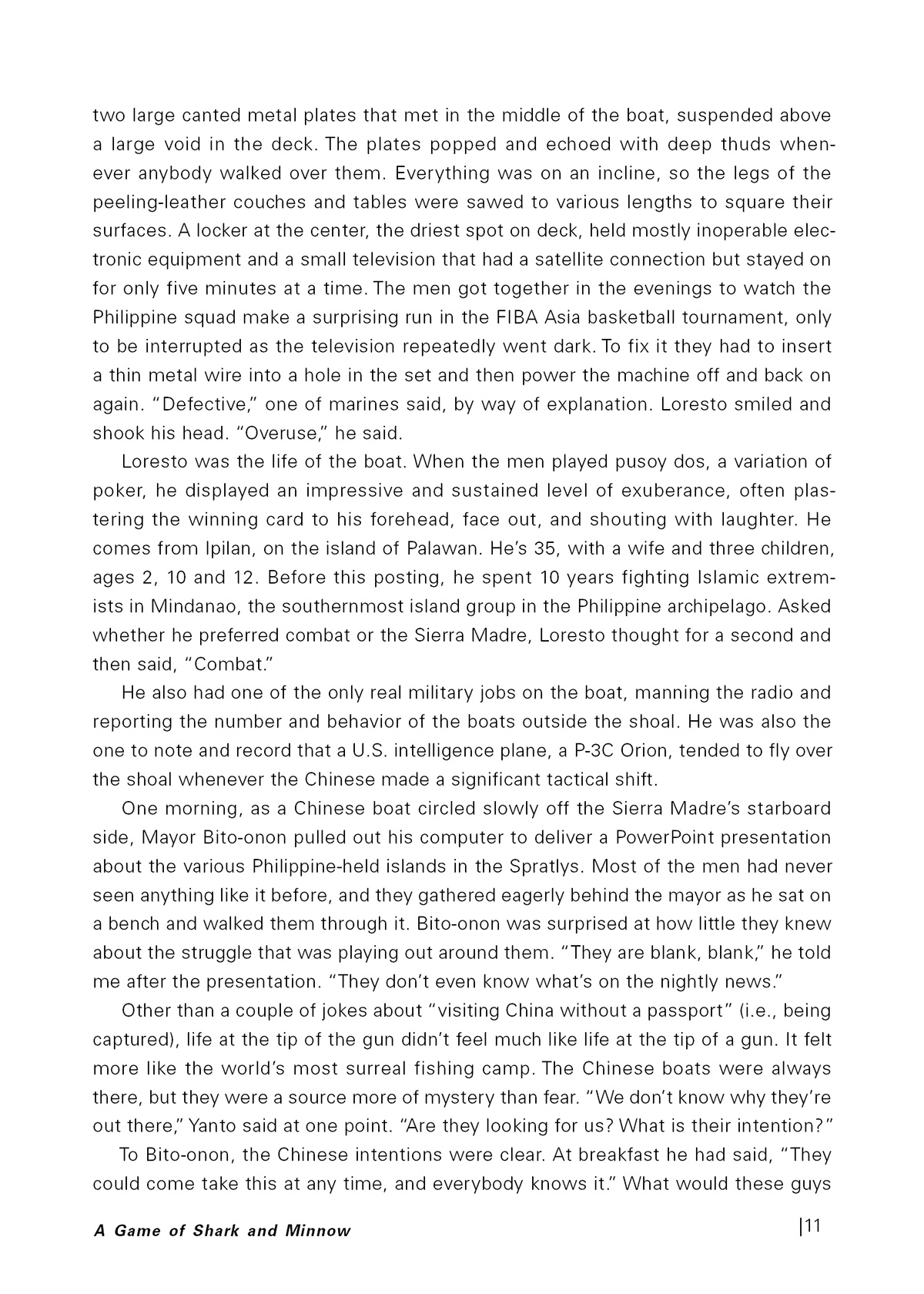
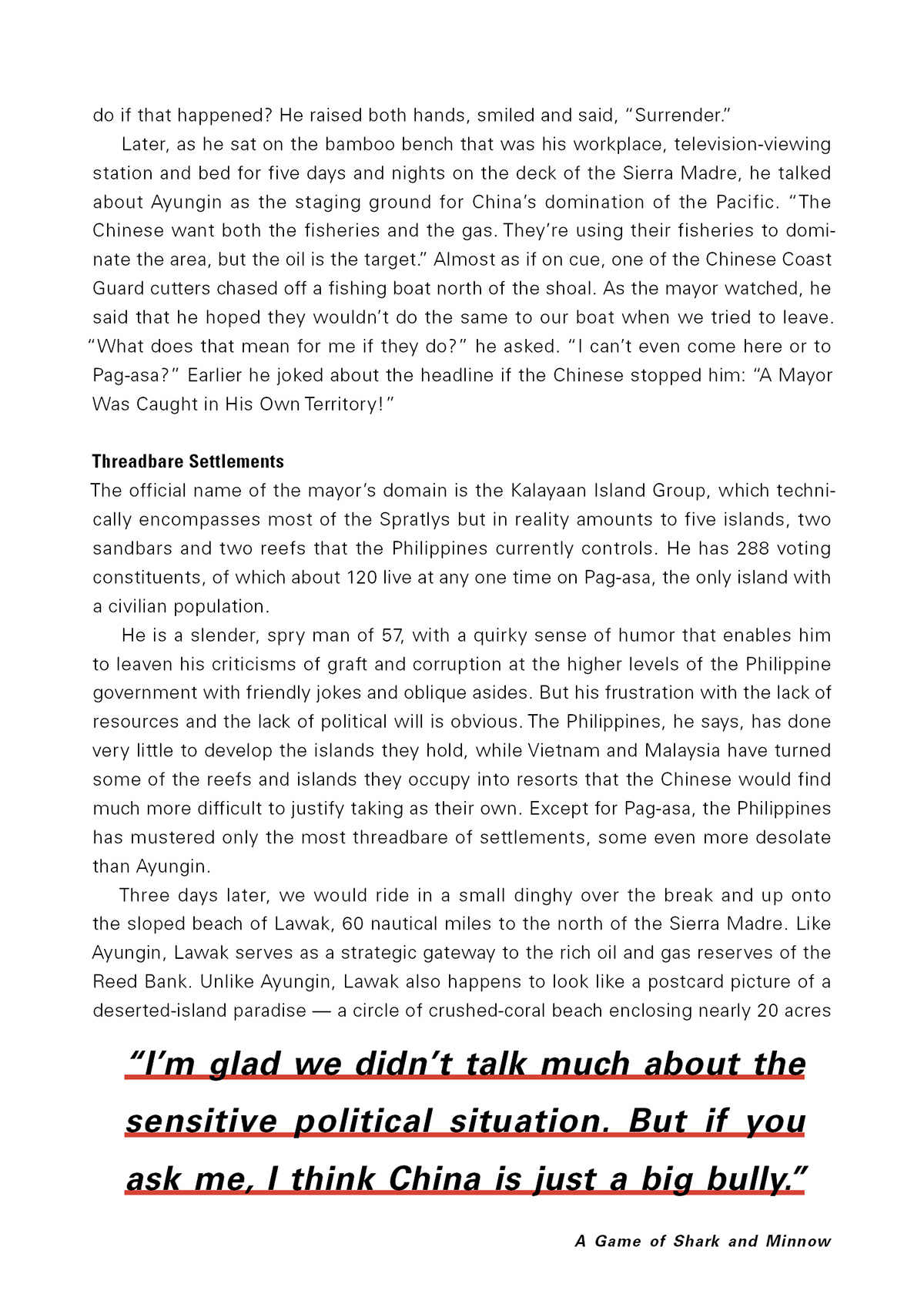
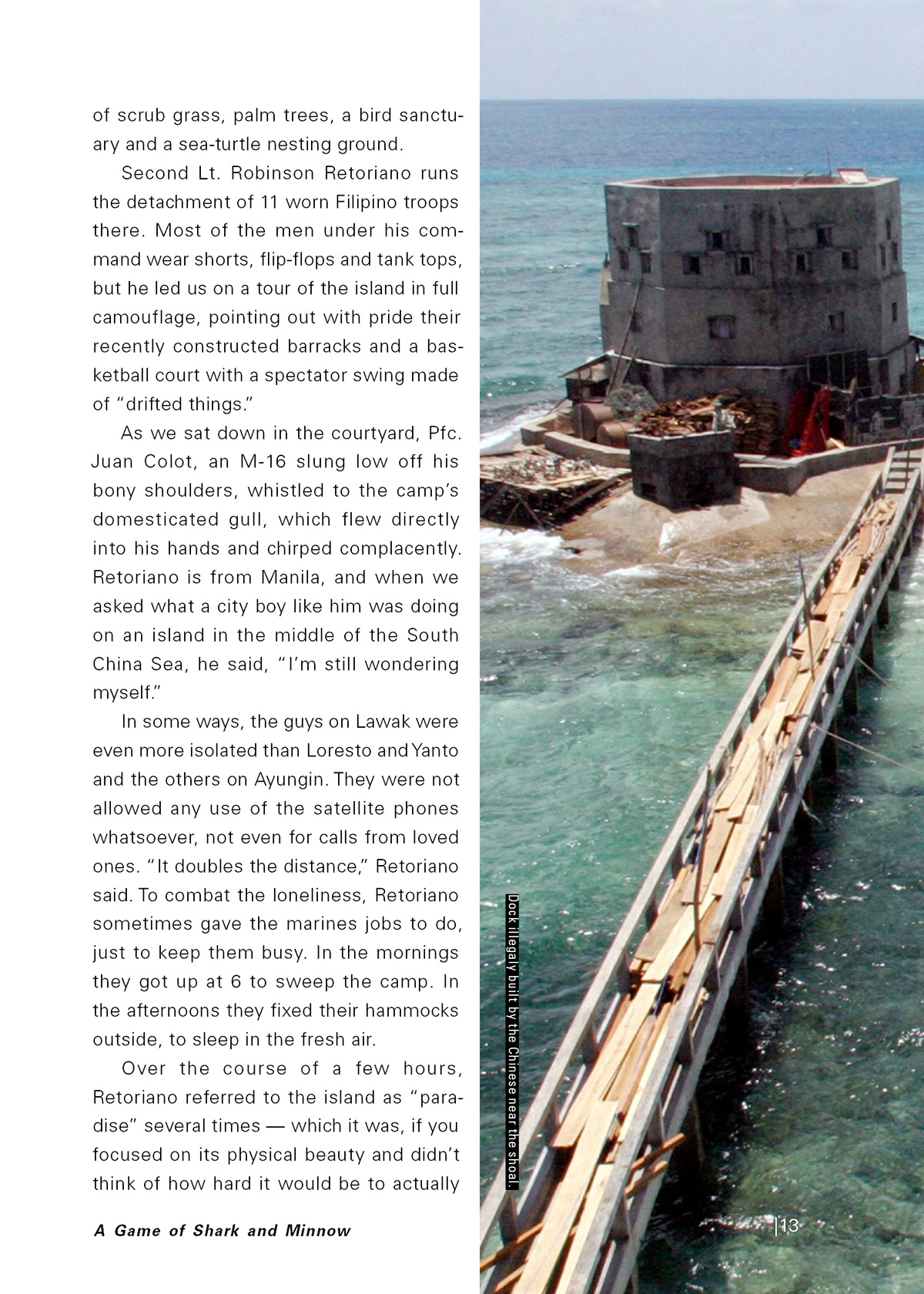
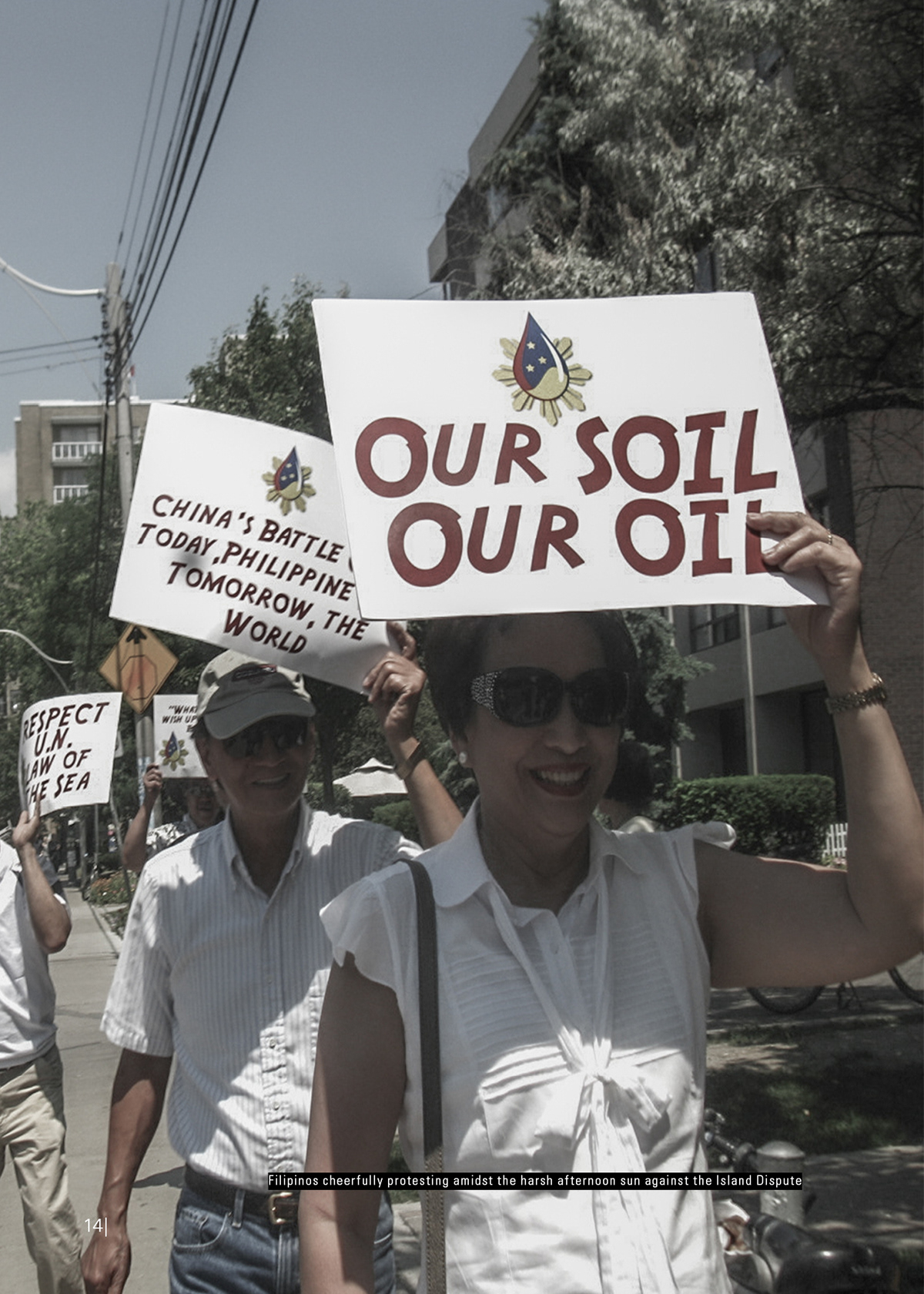
Booklet
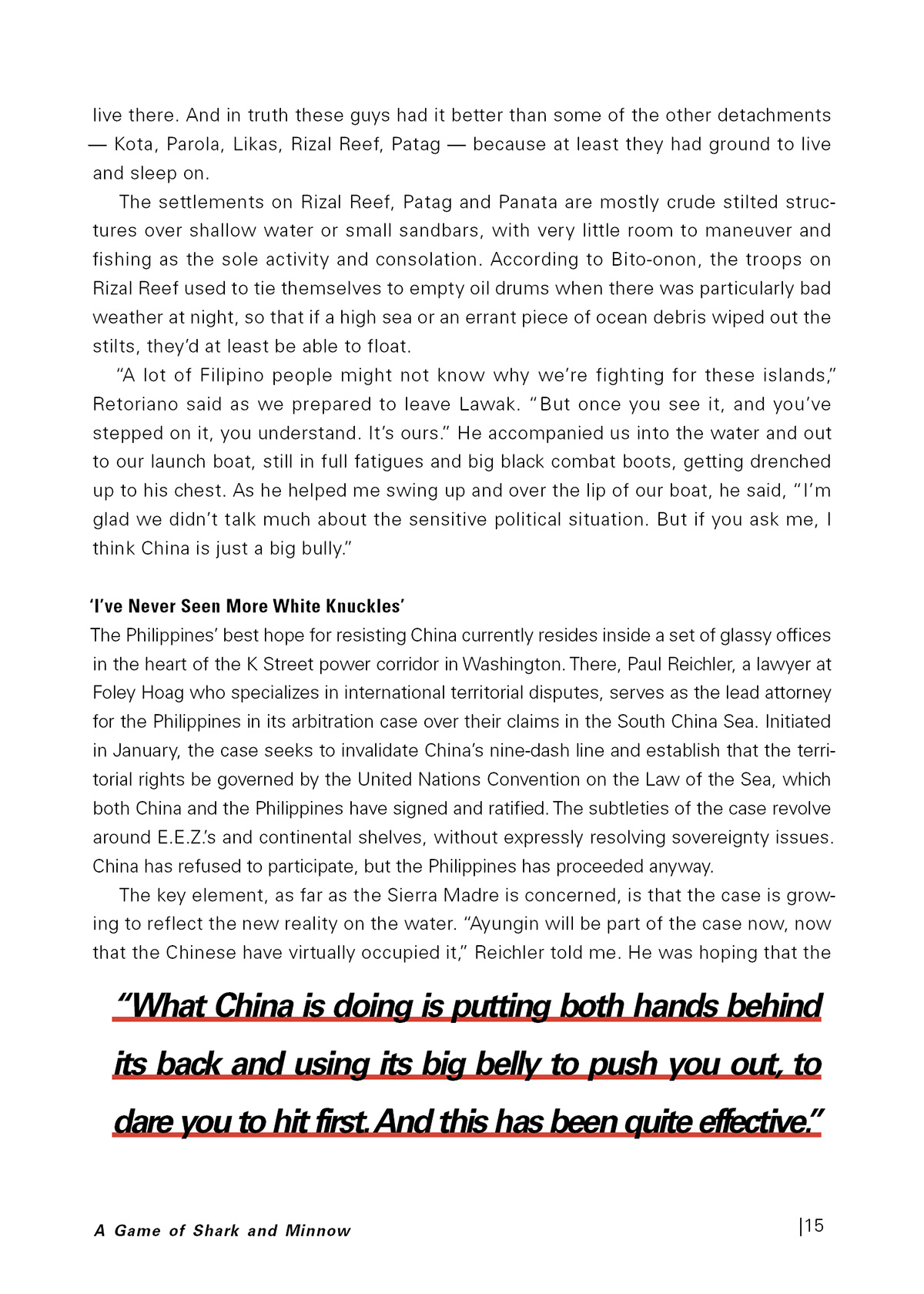
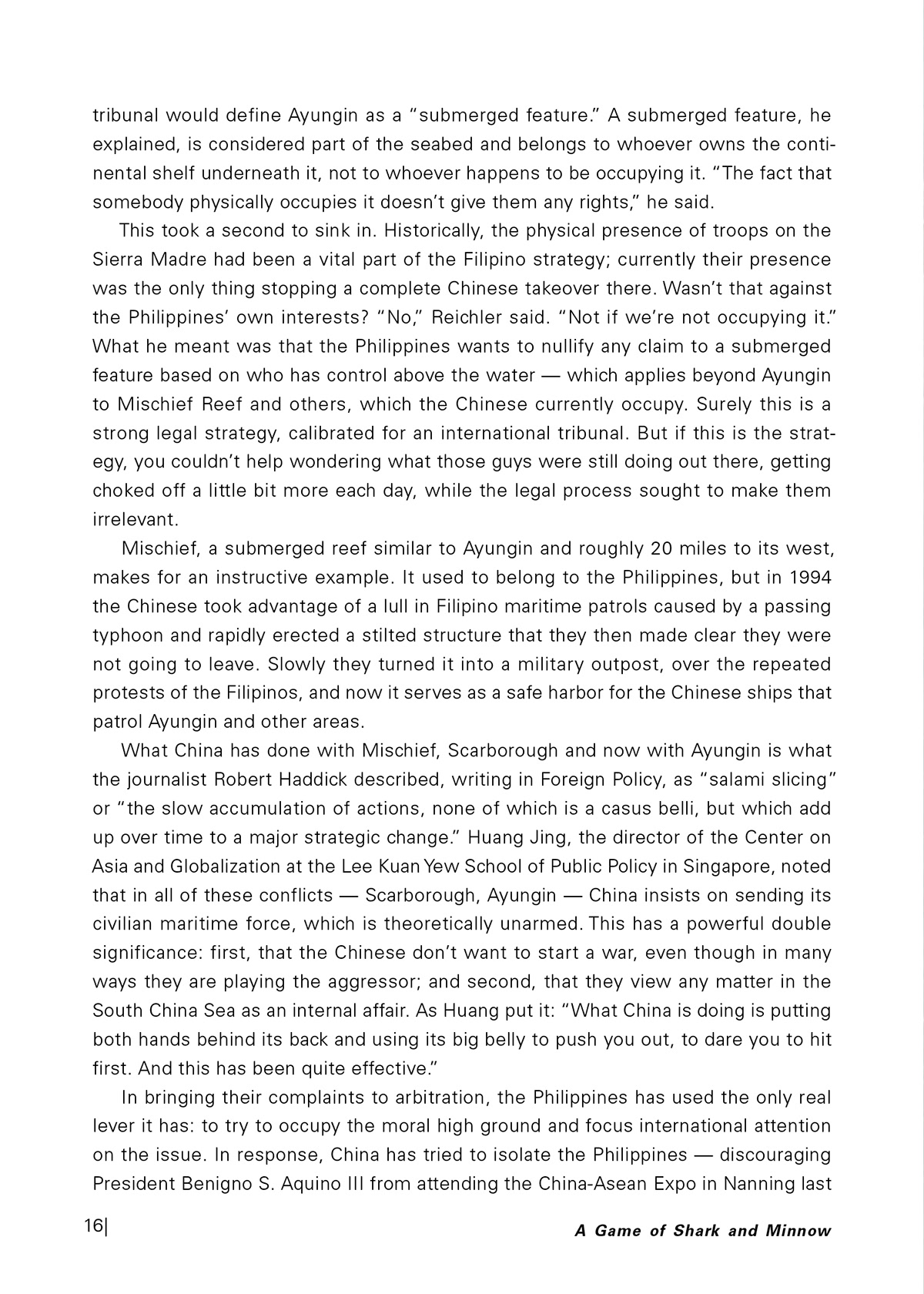
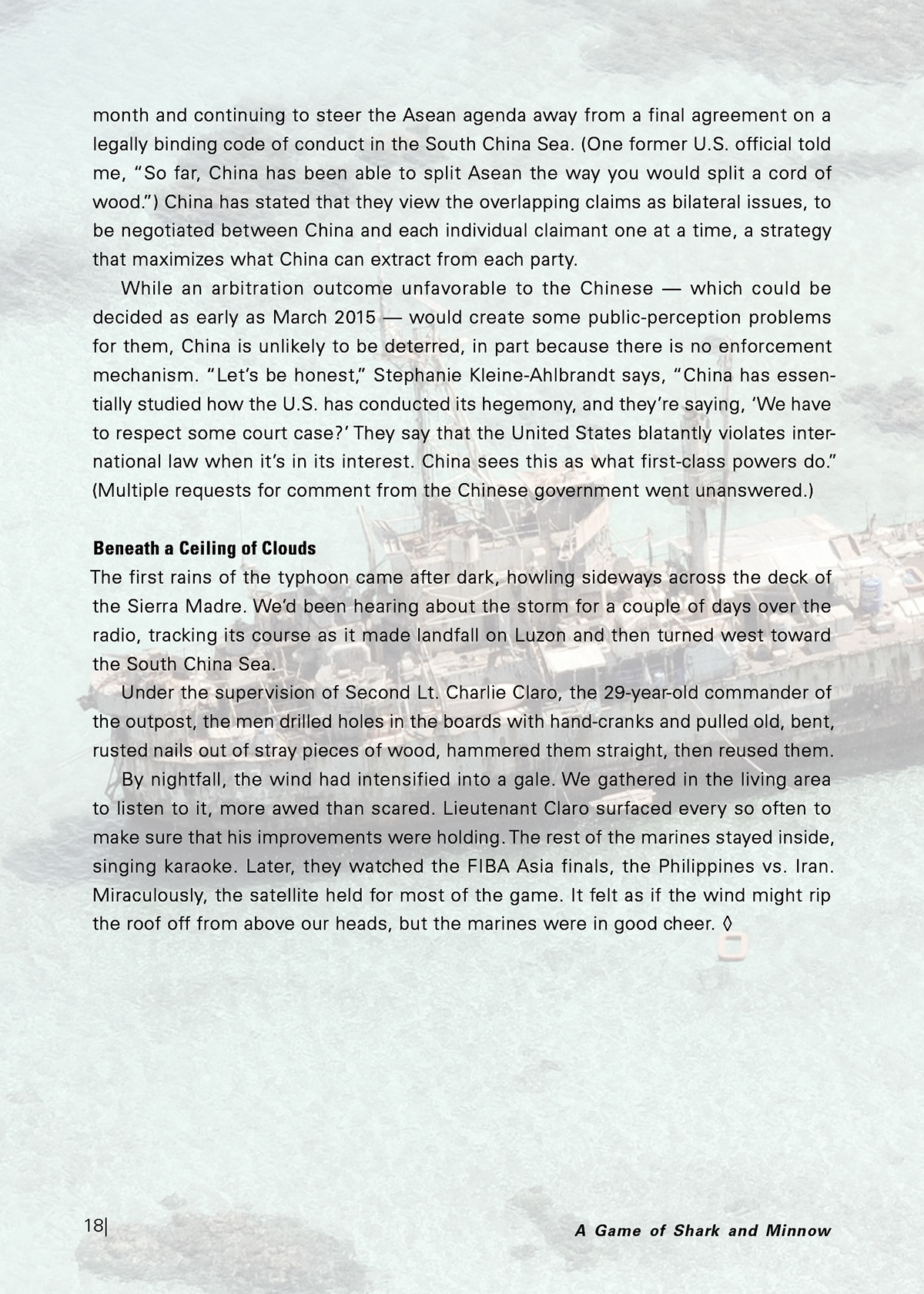
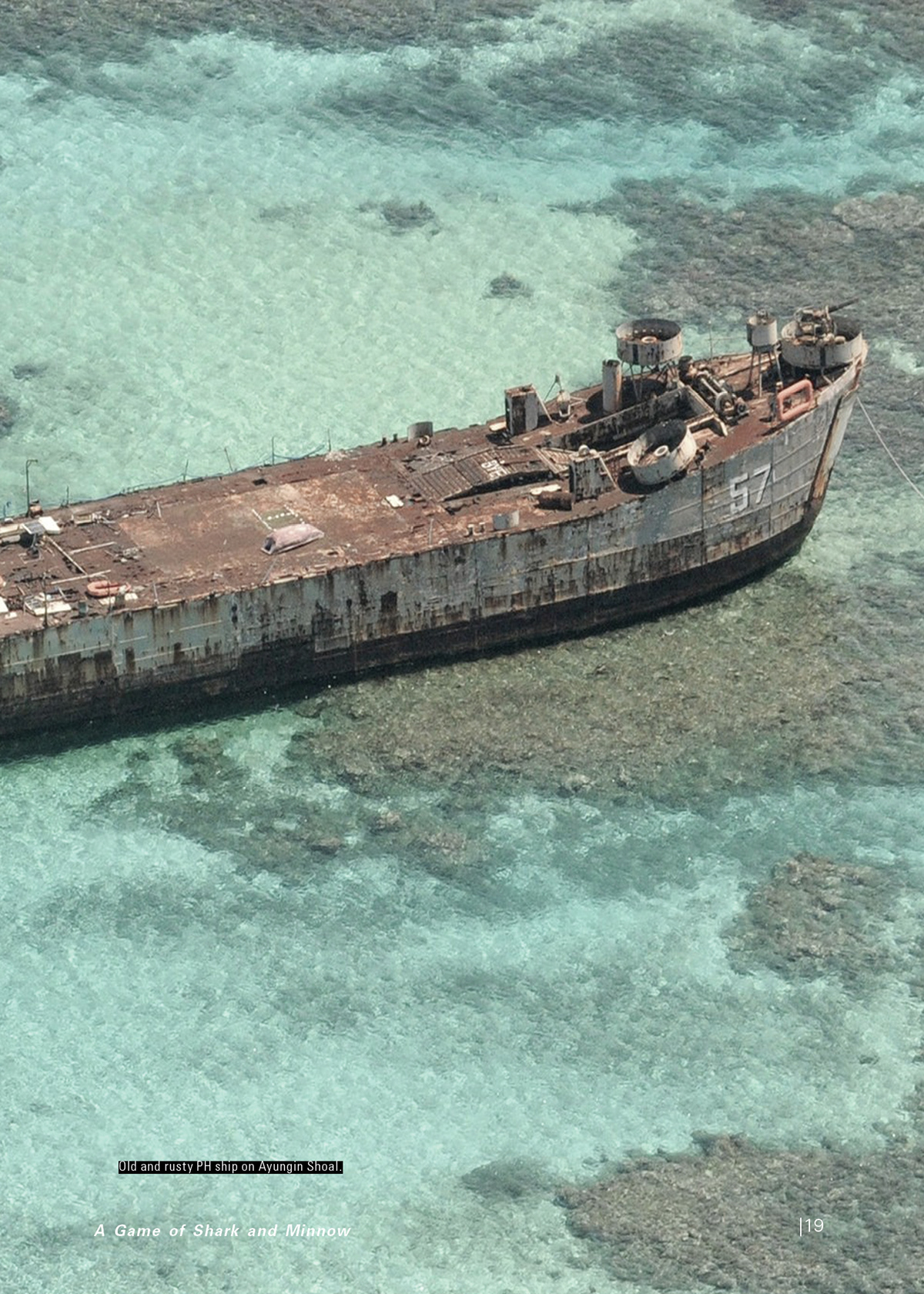
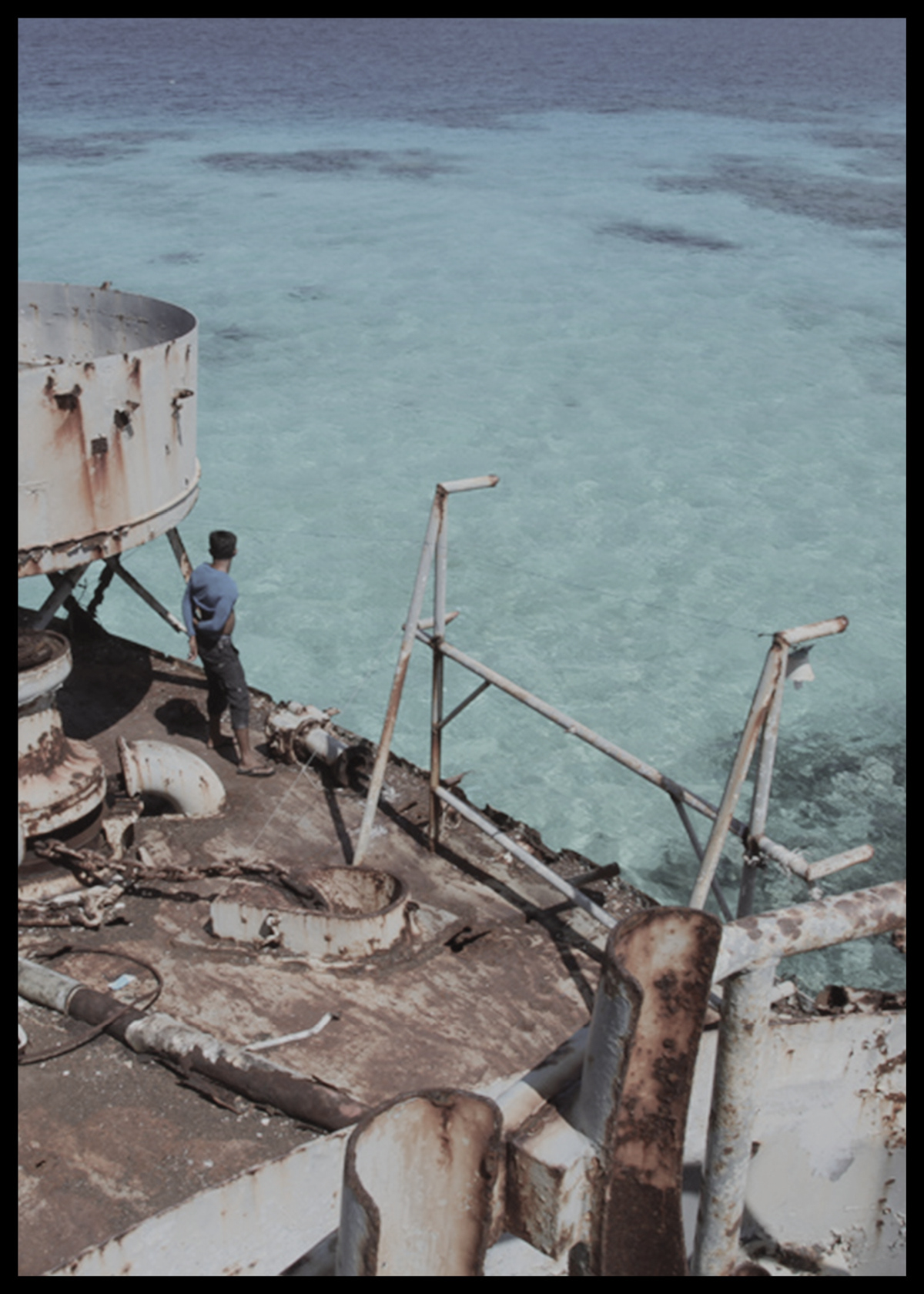
Booklet, from Louis Calata's typography portfolio.
Original project notes
SPECIFICATIONS
Document Set up
Page size 5 X 7"
Facing Pages (spreads)
Primary text frame
Margins: 3p0
Columns: 0
Create Guides
Master pages
Columns: 6–18 (to Margins)
Gutter: p11.25
Rows: 0
Baseline grid p11.25
Bodycopy
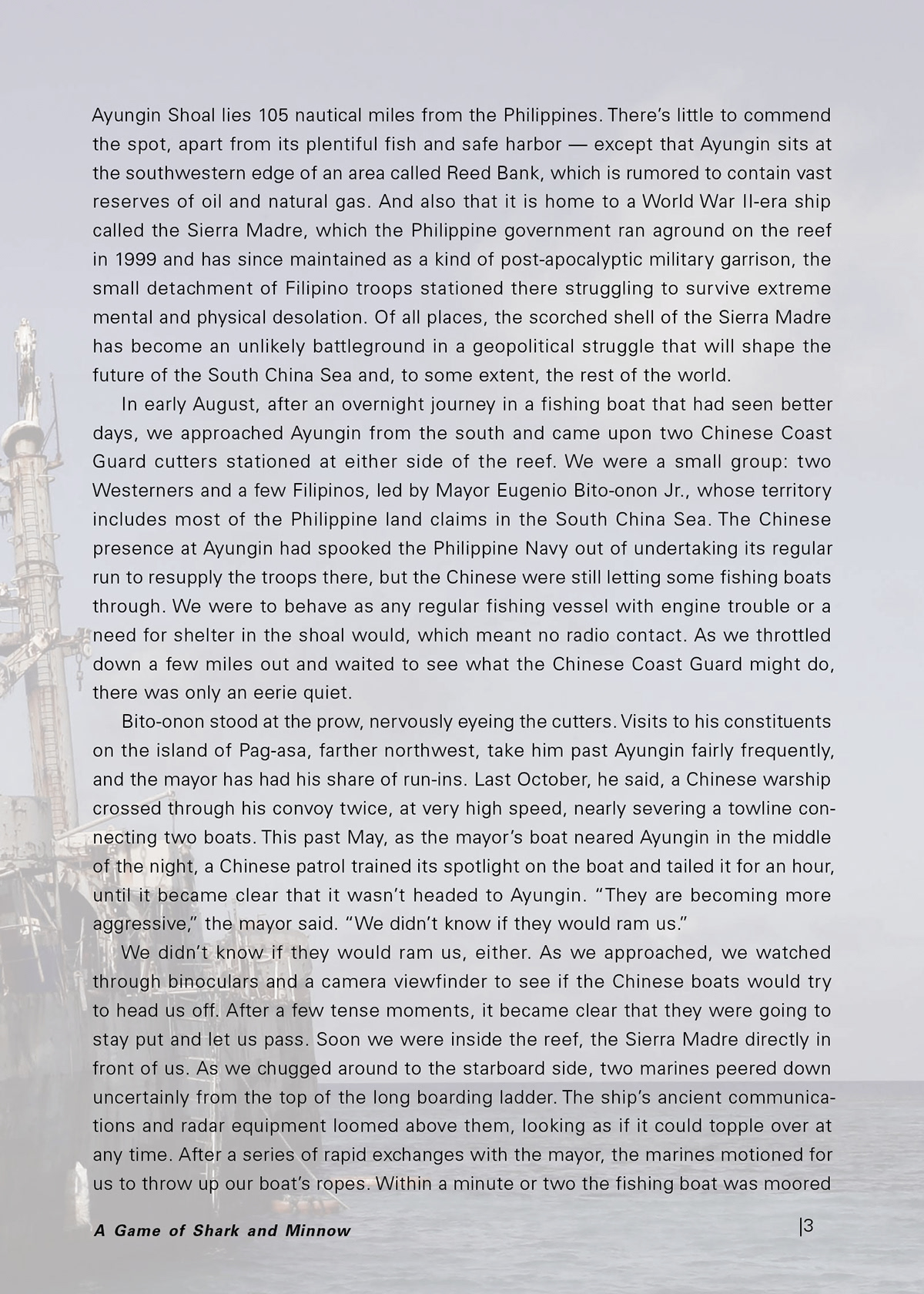
Univers 45 light 7.25/11.25
+ 30 tracking
Kerning: Metrics
Alignment: Justified
Frist Line indent: p11.25 (No indent on 1st paragraph or paragraph after subheading)
Story: Optical Margin Alignment, on, 7.25
Justification settings
Word spacing: Minimum 85%, Desired 98%, Maximum 108%
Letter Spacing: Minimum -1%, Desired 0%, Maximum 2%
Glyph Scaling: Minimum 100%, Desired 100%, Maximum 100%
Hyphenation: on
Words with at least 6 letters
After first: 3 letters
Before last: 3 letters
Hyphen limit: 1 hyphen
Uncheck all boxes: Hyphenate Capitalized Words, Hyphenate Last Word,
Hyphenate Across Column.Heading – Title
Any: Univers faces – Sizes – “Form” (Caps, Small caps, Lowercase, Title case)
Kerning: Optical, Tracking; any
Author
Any Univers faces, Any Size and “Form”
+ 30 tracking, Kerning: Optical
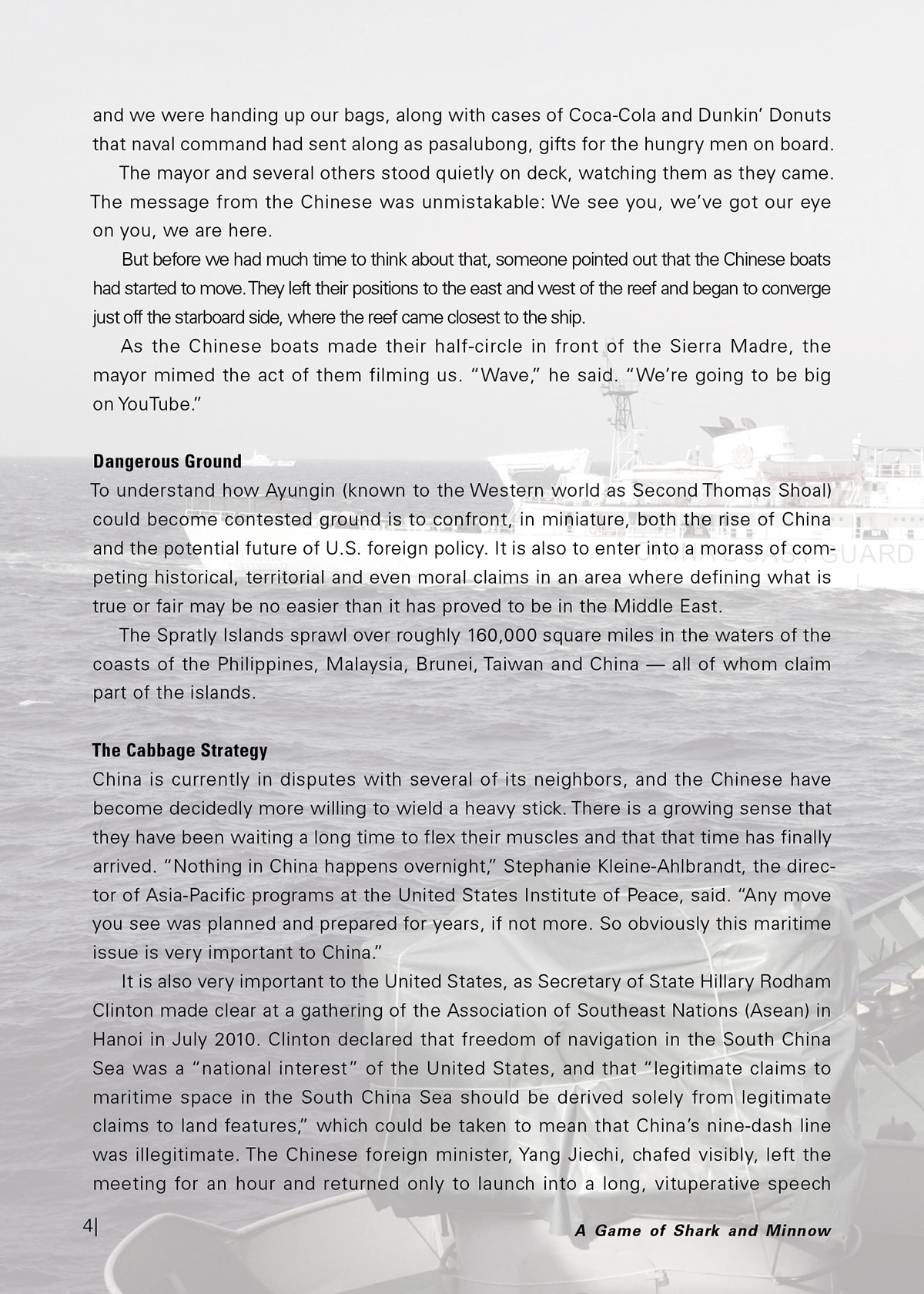
Subheadings
Univers 67 Bold Condensed 7.25/11.25
Any “Form”, + 30 tracking, Kerning: Metrics
Space Before: p11.25
Callouts: Run-in Heading Not required
Univers 65 Bold Any size or form
+ 70 tracking, Kerning: Metrics
Callouts: Body Not required
Univers 45 Light, Any size or form
+ 70 tracking, Kerning: Metrics
Story: Optical Margin Alignment
Pull Quotes
Any Univers faces (suggested sizes: 14.5/16.875)
Folios page numbers
Univers 47 Light Condensed 8.5/11.25
Alignment: Left on left page, Right on right page
+ 70 tracking, Kerning: Optical
Running Head or Footer
Univers 47 Light Condensed 5.25/7.25
+ 70 tracking
Kerning: Optical
Any “Form”
Photo Captions
Suggested: Univers 47 Light Condensed size 4.5/6.5
+ 70 tracking, Kerning: Optical
Minimum distance from image (inside or outside): 11.25 pt
Cover and Back Cover
Layout a cover and back cover using the same grid and specs. Include title and authors
name on cover. Explore color and images. Lots of times it works best to design the cover
last. This way you can build off the layout you developed for the interior of your booklet.
Inside cover, flood with a color, pattern or picture. Start your Title page content on the
first right-hand page.
The work.
22 images · Select to view the original