AGIW Suite
AGIW Suite 1.0.0 (7): a public Mac menu-bar monitor for local model activity, resources, recorded routes, and explicit controls.
See the work.
Keep control.
AGIW Suite is a Mac menu-bar monitor for engineers running local models. Inspect model activity, memory pressure, and recorded routes; request model or service recovery when the evidence calls for it.
Show what the evidence supports.
Keep unknown and stale state visible.
Inspect the model. Trace the signal. Choose the action.
AGIW Suite brings model details, evidence sources, and deliberate controls into one Mac view.
Inspect
Open the model inspector
See a model’s exact ID, context, quantization, capabilities, loaded instances, source, and observation age when the runtime reports them. Missing fields stay unknown.
Inspect the released source ↗Browse models with resource context
Core 6 filters to pinned model IDs; All discovered shows the full Mac inventory. Memory pressure, best-effort GPU readings, and a load headroom estimate help you decide what to keep resident.
Read the release details ↗Diagnose
Check each evidence source
Feeds & evidence labels each source as live, recorded, or stale and shows its detail. Old readings lose their live status, so a quiet graph is not mistaken for a current signal.
See the feed rendering ↗Follow recorded clients and routes
The map shows client model identities, saved choices, and available route receipts. Their age is visible in the inspector; a recorded choice is not presented as live generation.
Read the map’s explanation ↗Act
Check readiness, then request recovery
Check readiness inspects route evidence without calling a model. A separate Fix inference action checks configured Mac, Nisi, and Windows states in order; route recovery may send one short Windows probe.
Read the action boundaries ↗Control a model deliberately
Request load or unload through the local lms CLI and inspect the resulting job state. Automatic unloading is off by default and, when enabled, protects an established resident Nisi pair.
Extend
Explore bundled Nisi
The release includes Nisi 0.2.0’s engine, journal, and CLI. Its native fixed self-check runs offline with zero model calls; the local-model JSON example uses separately configured models.
Read the Nisi scope ↗Connect optional Jev
A signed helper stores your TypeSafe key in the login Keychain. An explicit connection check sends one fixed synthetic request over HTTPS to test connectivity; coding-task routing is configured separately.
Read the Jev scope ↗Follow the signals.
Choose the action.
AGIW makes local evidence visible and exposes deliberate controls. These diagrams show how observations reach the app and how a model action travels back to the local tools.
01 / Observation & control
Conceptual flow- Source
Local evidence
LM Studio inventory and reported activity.
Optional input: recorded route receipts - Collect
Local observer
Collects bounded observations and serves local snapshots.
127.0.0.1 - Inspect
AGIW dashboard
Shows model state, evidence sources, and observation age.
Swift + WebKit
- Choose
Your request
Select a model and request load or unload.
User action - Check
Observer boundary
Checks Host, Origin, and action input size and shape.
Request validation - Execute
Local model tools
The local CLI handles the requested model operation.
lms · job state
Inspect the result. The app exposes the action’s job state including whether it completed or failed.
02 / Read the state correctly
Evidence guideA model is loaded
It is resident in memory. Request activity needs its own evidence.
Fresh, validated
busy signal?
Observed activity
Read the reported work and its evidence source.
Activity unknown
A loaded model alone cannot establish active generation.
From workflow to working tools.
The coding workflow provides the context; Nisi and AGIW have their own public releases. Dates below mark those releases.
- Workflow
Initiate online code mode
A local coding setup for checking available routes and coordinating bounded work. It supplies the workflow context for the two software projects.
Workflow context · separately configured Nisi 0.2.0
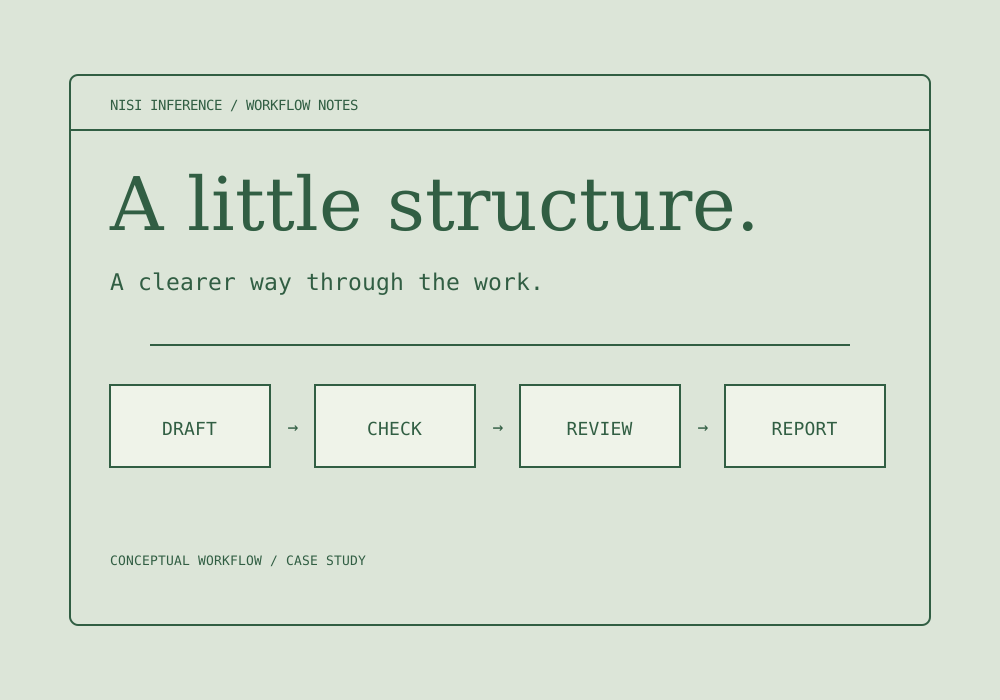
The public Node.js CLI and library give an application a bounded draft, check, test, review, and repair workflow. The CLI includes fixed demonstrations.
Explore the Nisi case studyAGIW Suite 1.0.0 (7)
The Mac monitor makes local model and route evidence visible, provides explicit model controls, and includes Nisi’s fixed offline self-check.
View the AGIW release ↗
Recorded measurements
Read the work behind the numbers.
These records show how GPT-OSS 20B responded in two different tests. Each chart keeps its own date, timing method, and scale.
Median effective completion rate for seven completed requests in each task. Completion tokens are divided by the entire streaming request duration, including time spent waiting or reasoning.
- Generation72.302 tokens/s
- Coding72.842 tokens/s
- Reasoning72.240 tokens/s
72.482 tokens/s overall median across all 21 requests. One warmup was excluded; output correctness was not graded.
See all 21 trial values ↗Server-reported decoding rate for one fixed JavaScript task per layout. Each request recorded 106 prompt tokens and 141 completion tokens; the backend, context capacity, and offload settings varied.
- A Existing layout18.5 tokens/s
- B GPT-OSS on CPU · earlier pass12.3 tokens/s
- C GPT-OSS on CUDA111.4 tokens/s
- D CUDA; Qwen on CPU106.0 tokens/s
A, C, and D came from one pass; B came from an earlier pass. One request per layout gives no repeated-trial uncertainty estimate.
See original layout chart ↗Clear boundaries for local work.
The app keeps the dashboard, local observer, model services, and optional integrations in separate components. Here is where they connect and which controls apply.
Swift + WebKit
Menu-bar shell and bundled dashboard. The browser view does not hold the optional Jev key.
Python observer
Serves snapshots on 127.0.0.1. Checks the request’s Host and Origin, then validates the size and shape of action inputs.
- Configured locally
LM Studio +
lmsInventory and activity evidence enter the observer; model load or unload needs an explicit request.
- Bundled package
Nisi 0.2.0
An external Node runtime runs the fixed offline self-check. It makes zero model calls and does not run arbitrary repository work.
- Optional · opt-in
Signed Jev helper
Optional service credentials stay in the login Keychain. Its connection check uses a fixed HTTPS request; task routing is configured separately.
- Separately managed
Router + PC workers
The monitor reads bounded observations and offers supported guarded recovery. The external systems own task assignment and execution.
What the controls establish
Loopback binding, request checks, and input limits constrain browser-origin actions. Local processes remain a separate trust boundary. The public release is Developer ID signed and Apple-notarized; those checks verify distribution and do not certify the entire system’s security.
Download AGIW for Mac.
The current public download is on GitHub for Apple silicon Macs running macOS 13 or later. The release page includes a Developer ID signed, Apple-notarized ZIP, a checksum file, and installation instructions.
An earlier view of AGIW.
These screenshots document TestFlight build 0.1.0 (22). They show an earlier interface, not the downloadable AGIW Suite 1.0.0 (7) build.
The App Store release was cancelled. The GitHub release is the current public download.
View the archived TestFlight screenshots
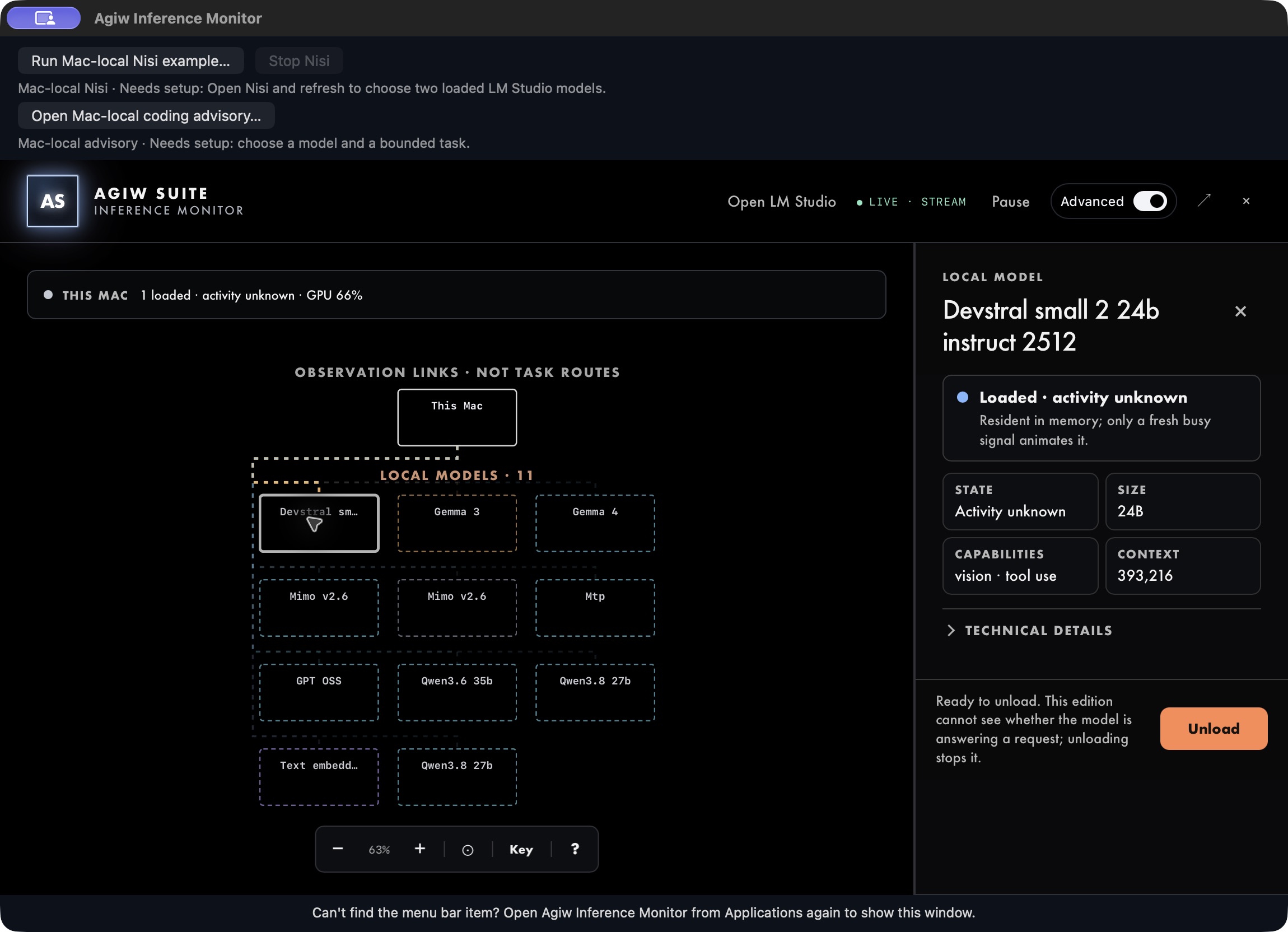
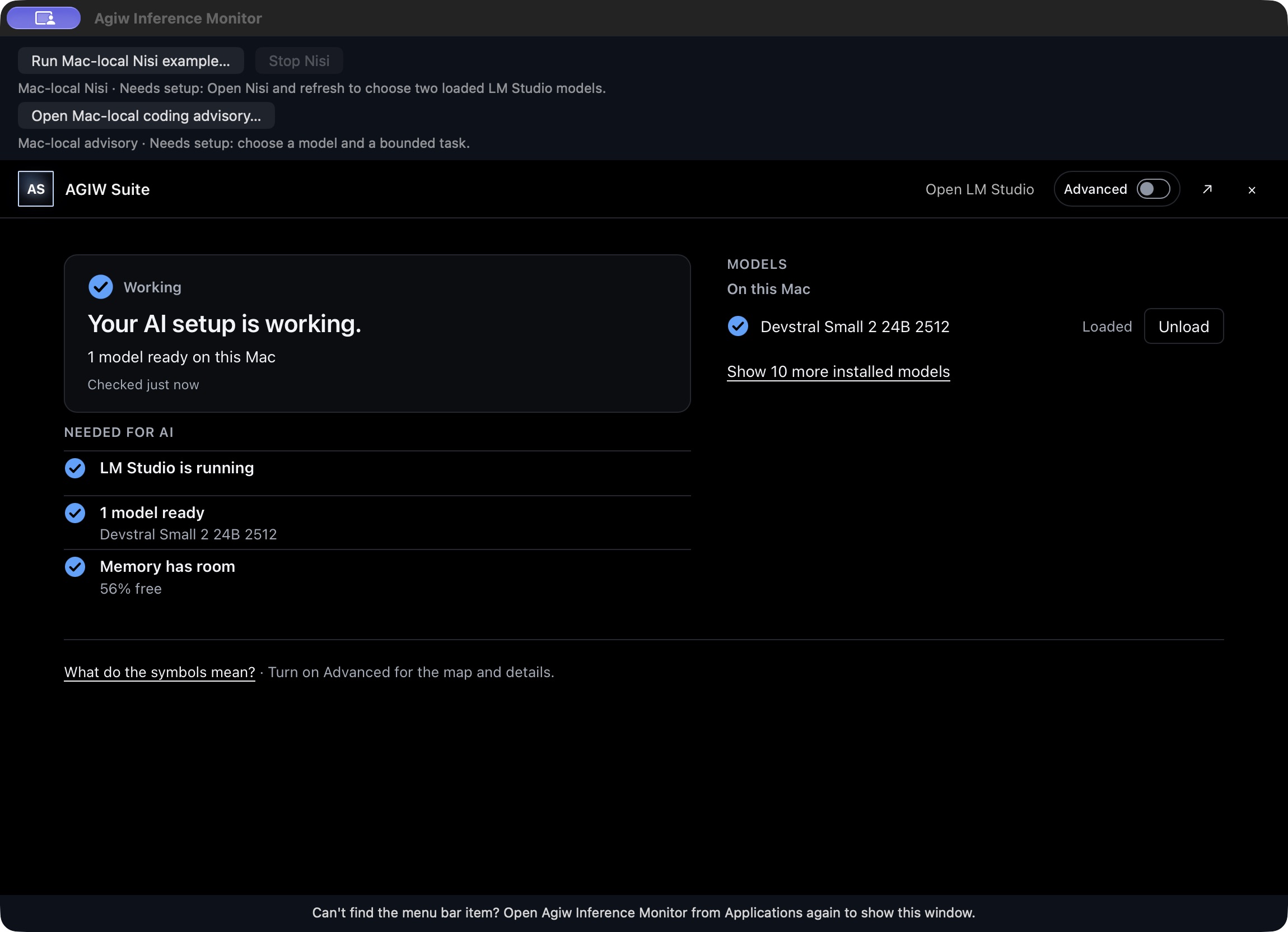
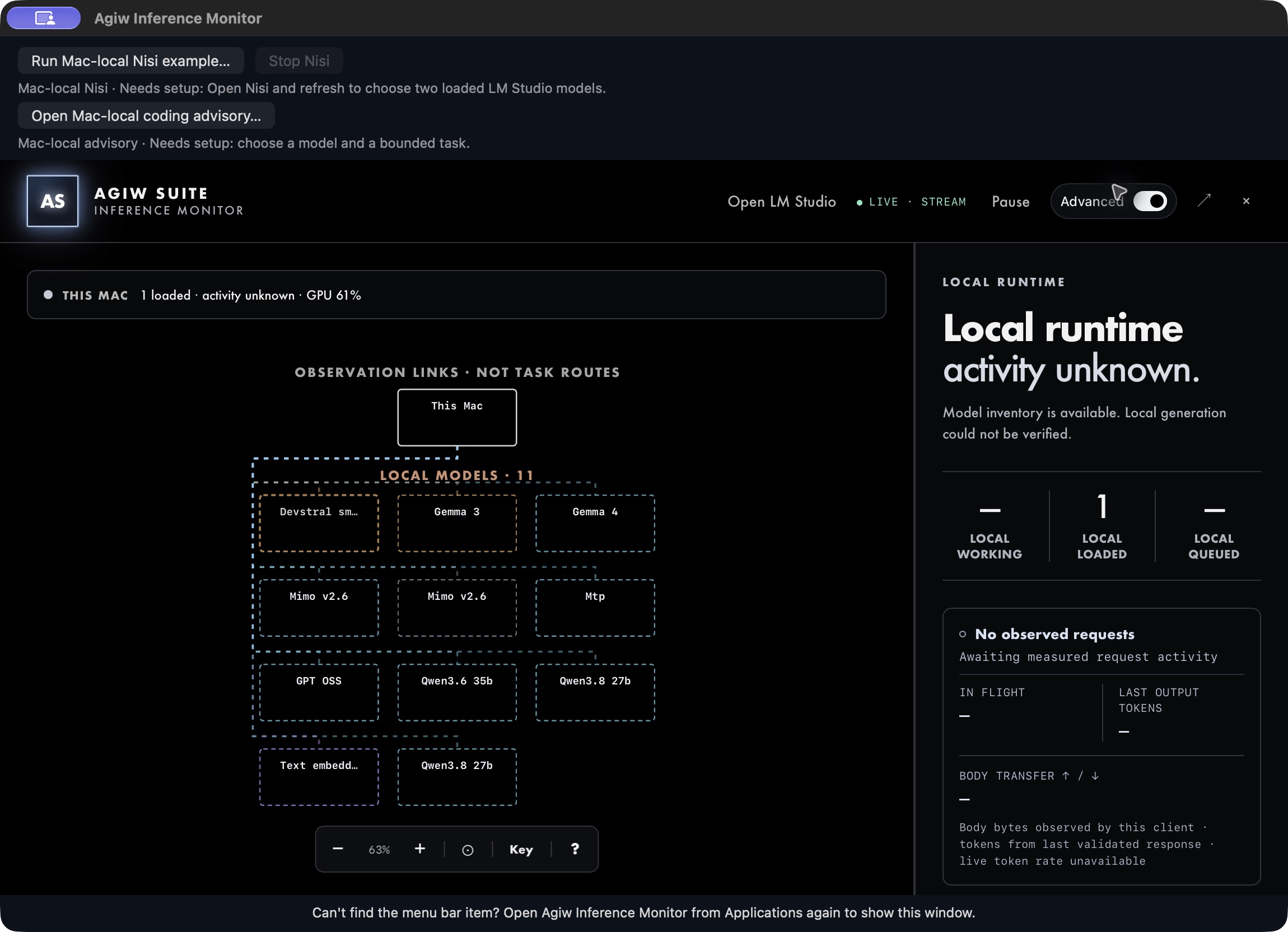
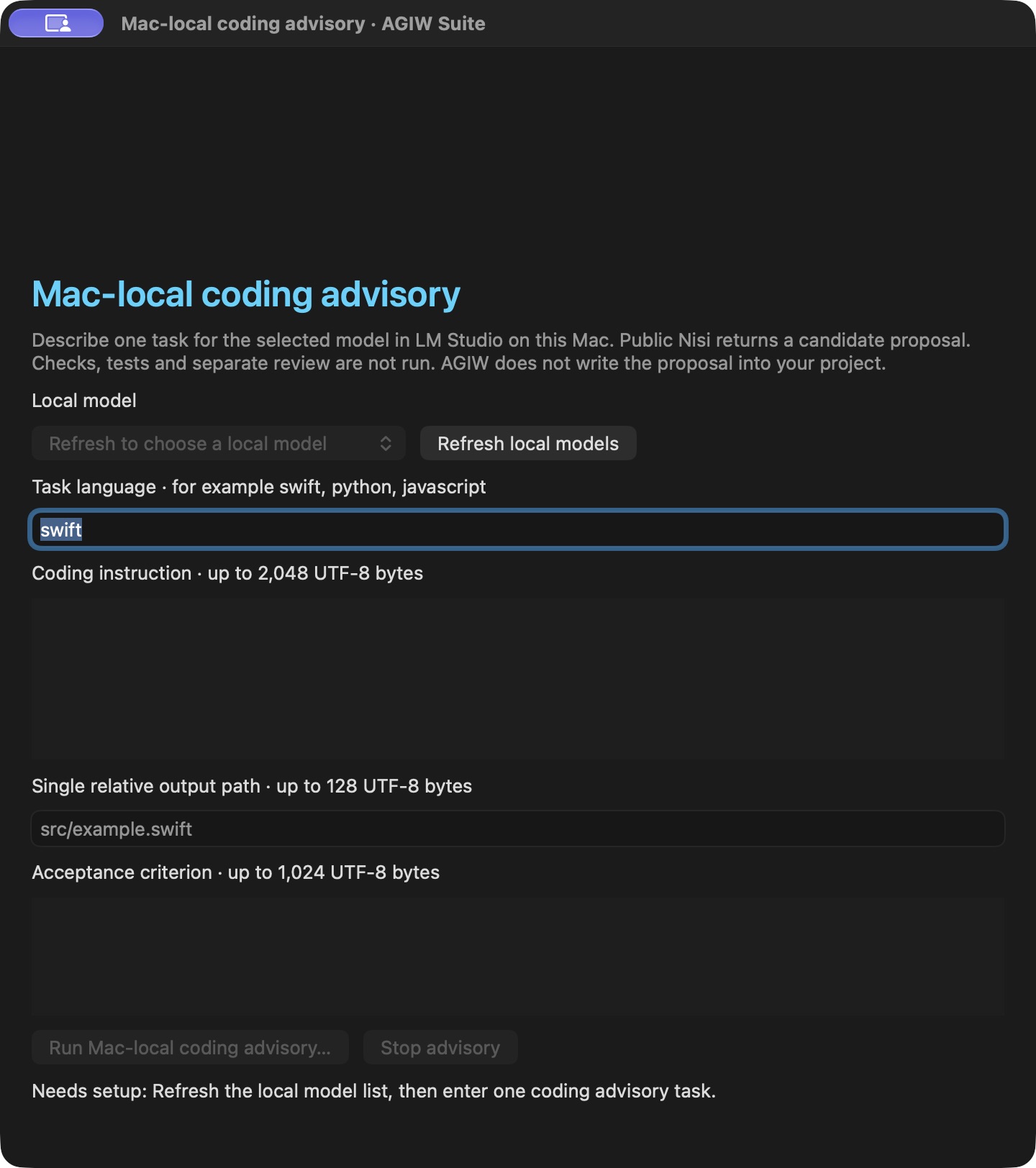
A local coding advisory form.
The earlier build included a form for requesting a bounded proposal from a selected local LM Studio model through Nisi. This screenshot shows the setup form before any task was submitted. It does not demonstrate code execution, completed checks, or a feature of the public GitHub build.
A monitor and a workflow engine.
AGIW shows the state of local model services on a Mac. Nisi coordinates bounded coding work through adapters supplied by its host application. Each project has its own public GitHub release.
AGIW Suite
Inspect supported local model activity, memory pressure, and recorded routes. Missing or stale readings remain unknown; supported model controls and recovery require explicit actions. The Apple silicon Mac app is distributed on GitHub.
Nisi Inference v0.2
Structure a coding task around a draft, checks, tests, a separate review, and bounded repair. An optional append-only journal supports reopening saved runs and checking their integrity. The host application decides whether to apply the proposed files.